
Microsoft 365 consulting and migration
Workplace & Productivity
For organizations on Exchange 2016 or 2019, merging or splitting tenants on a deadline, or with phones and devices that predate hybrid work.
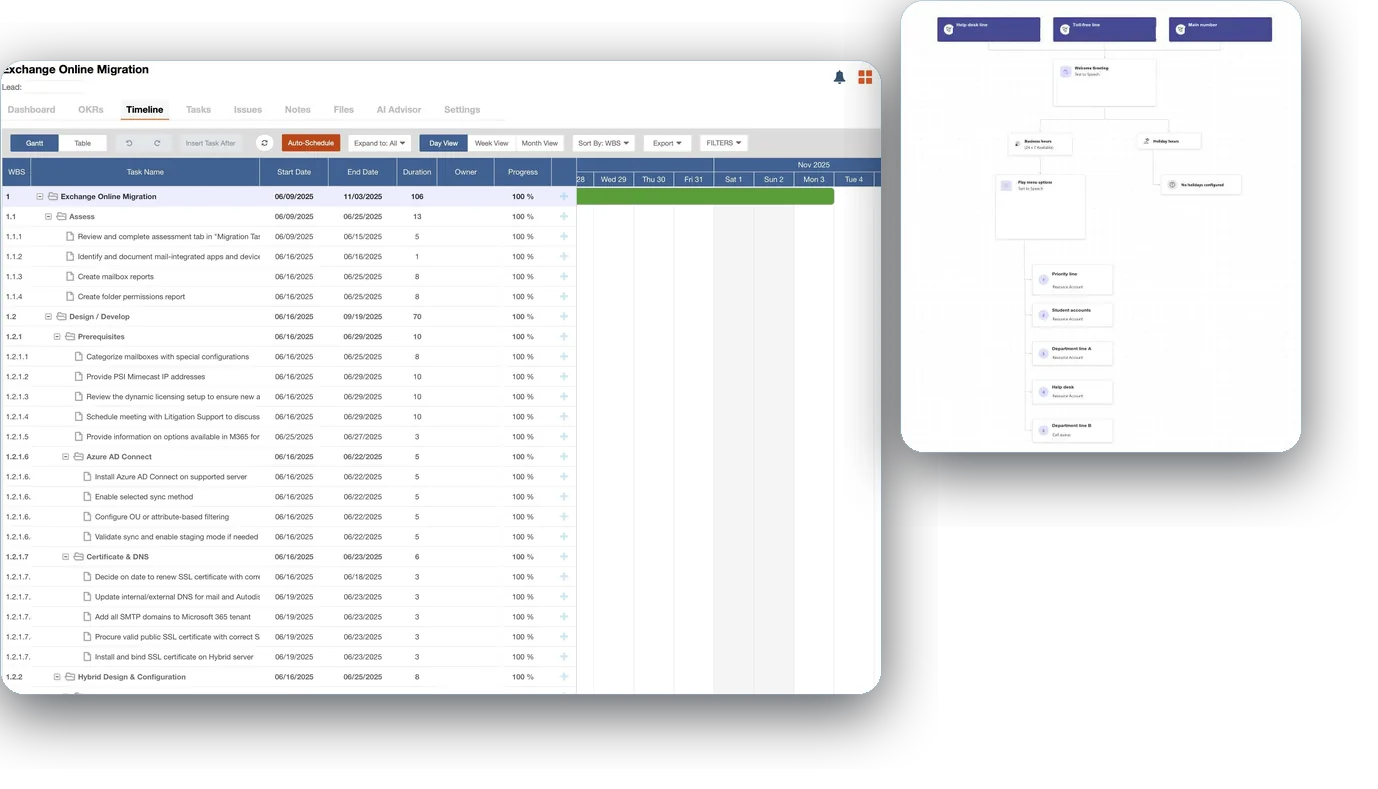
We move email, files, Teams, phones, and devices to Microsoft 365 in phases. Each move is tested with a pilot group first, and each phase has a way back.
Which service do you need?
- 01Migrate
Exchange and Microsoft 365 Migration
On-premises to cloud, tenant to tenant, and hybrid coexistence, piloted first with a way back ready.
- 02Collaborate
Teams, SharePoint, and OneDrive
Intranet and shared drives moved into SharePoint, OneDrive, and Teams, with who creates what and how guests get in decided first.
- 03Call
Teams Phone
Move from a legacy PBX or another phone provider to calling in Teams.
- 04Equip
Windows 11, Intune, and Cloud PCs
Windows 11 and Intune, with Autopilot for new devices and Cloud PCs where a desktop belongs in the cloud.
- 05Govern
Microsoft 365 Governance and Licensing
Settings put right after a fast rollout, and licenses assigned by group and trimmed to what people use.
- 06Combine
M&A IT Integration
IT integration for mergers, acquisitions, and divestitures.
Questions we get
Our Microsoft 365 tenant was set up in a hurry. Which service fixes it?
Microsoft 365 Governance and Licensing. It puts sharing, guest access, and default retention right, and assigns licenses by group. If you first need to know your security risk, the Microsoft 365 Security Assessment under Security & Compliance ranks the findings by risk and effort.
Is a tenant-to-tenant move a migration or an M&A project?
The move itself is a migration: mailboxes, OneDrive, and SharePoint moved from one tenant to another, and Teams rebuilt in the target, with a dry run before the cutover weekend. When a deal sits behind it, M&A IT Integration adds the day-one plan, account pairing, and the directories combined around that move.
We still run Exchange 2016 or 2019. Which service is that?
Exchange and Microsoft 365 Migration. Mailboxes move to Exchange Online, and any server that has to stay for mailboxes or application relay is upgraded to Exchange Server Subscription Edition in hybrid. Exchange 2016 and 2019 left support on October 14, 2025.
Our devices are still on Windows 10. Where do we start?
With Windows 11, Intune, and Cloud PCs. The Assess phase sorts your devices into those that can upgrade and those to replace, then devices move to Windows 11 under Intune in waves. Windows 10 support ended October 14, 2025.
We want calling in Teams. Which service covers it?
Teams Phone. It replaces a legacy PBX or hosted phone service with calling in Teams, with numbers ported in waves. After cutover, Teams Phone operations can keep it running under Managed Azure and Microsoft 365.
Can you help us plan Microsoft 365 before we move?
Yes. A Microsoft 365 strategy reviews each workload and sets the order of the move, and it sits with our Cloud Strategy and Roadmap work. It suits a move that has stalled, or a hybrid setup with no plan yet.
Case studies
-
Workplace & Productivity
Device, email, and intranet upgrades for a client since 2004, read more
A global mobility and workforce development firm needed its desktops, email, and intranet moved to the Microsoft platforms current at the time, and none of the work could interrupt its people.
-
Workplace & Productivity
Exchange migrations for a global premium automotive manufacturer, read more
A global premium automotive manufacturer brought Preeminent Solutions in to upgrade its email, then hired us again for the next upgrade.
-
Workplace & Productivity
Microsoft 365 migration for a water utility in New England, read more
A water utility in New England left on-premises Exchange for Microsoft 365.
What’s new from Microsoft

Talk to us about Workplace & Productivity
It starts with a 60-minute call. If we need more to scope it, a short questionnaire follows. Then a written proposal and statement of work. Once you approve, we begin with the Assess phase.