
Microsoft Security consulting
Security & Compliance
For an audit or insurance questionnaire to answer, a tenant that grew without a baseline, or a Copilot rollout that has to be safe first.
Fixing security in the wrong order wastes money and leaves the real gaps open. We assess your Microsoft 365 security, rank the findings by risk and effort, and make the fixes ourselves across identity, devices, email, and data.
Which service do you need?
- 01Assess
Security Assessment and Roadmap
Where you stand across Microsoft 365 and on-premises infrastructure, and the order to fix it.
- 02Detect and respond
Threat Protection
Detection and response across endpoints, identities, email, and cloud.
- 03Protect data
Data Security and Compliance
Labels, data loss prevention, and retention on Microsoft Purview.
- 04Control access
Identity and Access
Who can sign in, from where, on what device.
- 05Secure AI
AI Security for Copilot and Agents
Threat modeling, data protection, and detection for Copilot, agents, and AI apps.
Questions we get
We have an audit or exam coming. Where do we start?
With Security Assessment and Roadmap. The Microsoft 365 Security Assessment covers your tenant, and a compliance gap analysis maps your policies and controls against the standards you answer to. Each ends in a roadmap in priority order.
Our alerts sit in several tools. Which service brings them together?
Threat Protection. It puts Microsoft Defender XDR in place across devices, identities, email, and cloud apps, with one incident queue. Microsoft Sentinel or the SIEM you already run adds the log sources beyond Microsoft.
We need to control who can open sensitive data. Which service fits?
Data Security and Compliance. It starts with a classification policy and sensitivity labels on Microsoft Purview, then adds data loss prevention and retention mapped to your records schedule.
Our staff sign in with only a password. Where do we start?
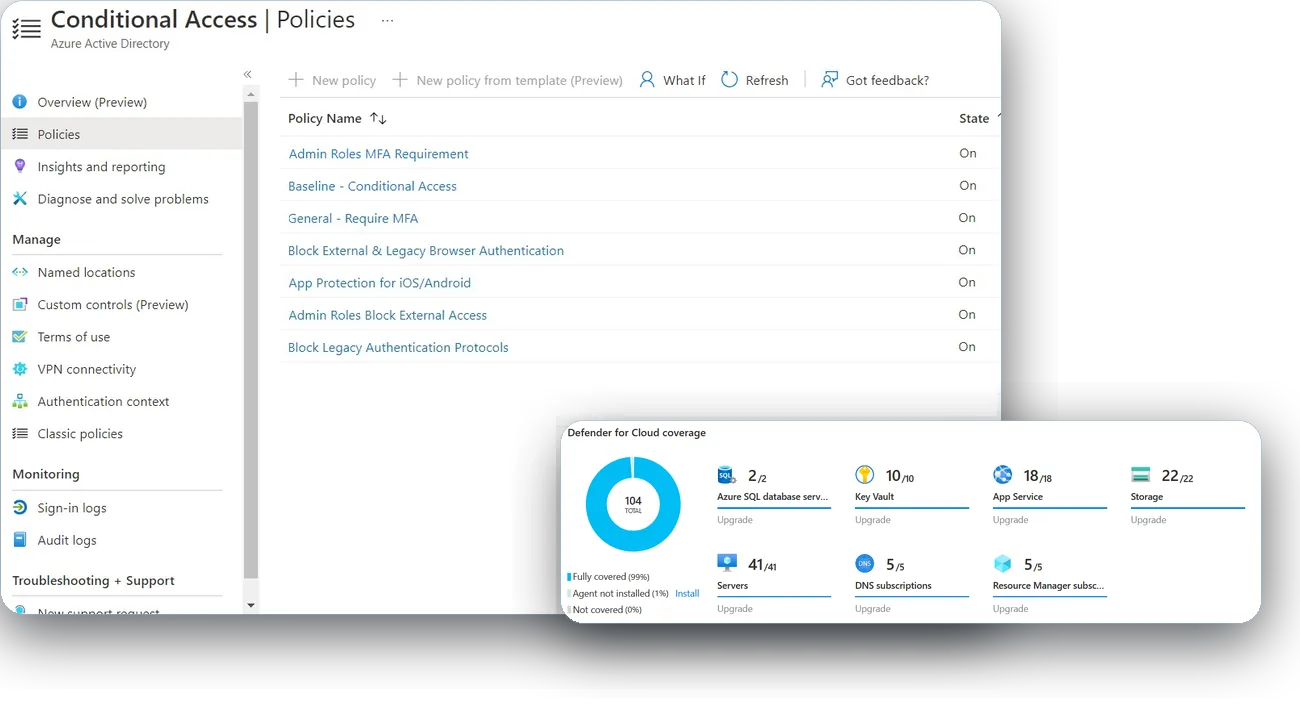
Identity and Access. It puts MFA and Conditional Access in place on Microsoft Entra ID, holds administrators to a tiered model, and keeps accounts in step with your HR or student system. If you already run Okta, we plan around it.
Can you secure the tenant before we turn on Copilot?
Yes. Tenant readiness, including what Copilot can see, is the Copilot Readiness Assessment. Labels across the organization sit in Data Security and Compliance, and protection for agents and AI apps in AI Security for Copilot and Agents.
Is this a project or Managed Security?
Either. The services on this page are projects: an assessment, then the fixes. Day-to-day monitoring and response is Managed Security, under Managed IT Services, and it can follow a project or be bought on its own.
What security work have you delivered?
Defender for Endpoint and BitLocker across a statewide college system of 13 campuses. MFA, Conditional Access, and data loss prevention for a water utility in New England. MFA enforced and Secure Score tracked under our managed service at a major New York City university. Each is written up as a case study.
Case studies
-
Cloud & Hybrid Infrastructure
Active Directory consolidation for a statewide college system, read more
A statewide system of 12 community colleges and a system office needed one directory across its campuses, one way to manage devices, and its servers migrated.
-
Managed IT Services
Managed IT for a major New York City university, read more
A major New York City university ended its contract with a reactive managed services provider and chose Preeminent Solutions after a competitive evaluation.
-
Workplace & Productivity
Microsoft 365 migration for a water utility in New England, read more
A water utility in New England left on-premises Exchange for Microsoft 365.
What’s new from Microsoft
- AI-driven, large-scale nation-state campaign using ARTEX enables supply chain compromise (on Microsoft’s site)
- Agents are your newest insiders. Security must move at their speed. (on Microsoft’s site)
- The hidden network: Inside the phishing infrastructure ecosystem powering global cybercrime (on Microsoft’s site)

Talk to us about Security & Compliance
It starts with a 60-minute call. If we need more to scope it, a short questionnaire follows. Then a written proposal and statement of work. Once you approve, we begin with the Assess phase.